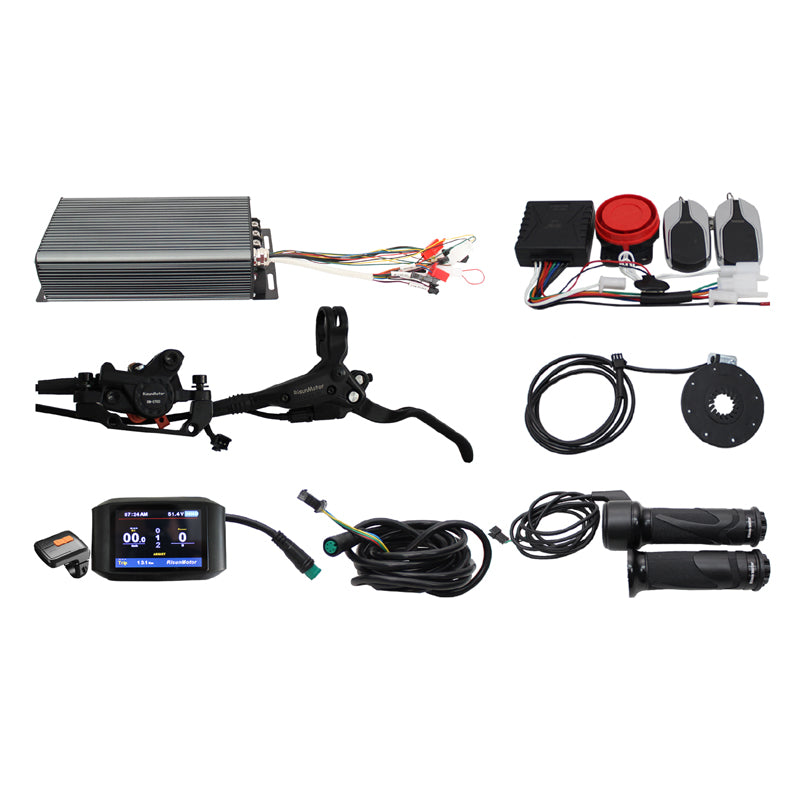
48V-72V 5000W High-Power eBike Conversion Kit
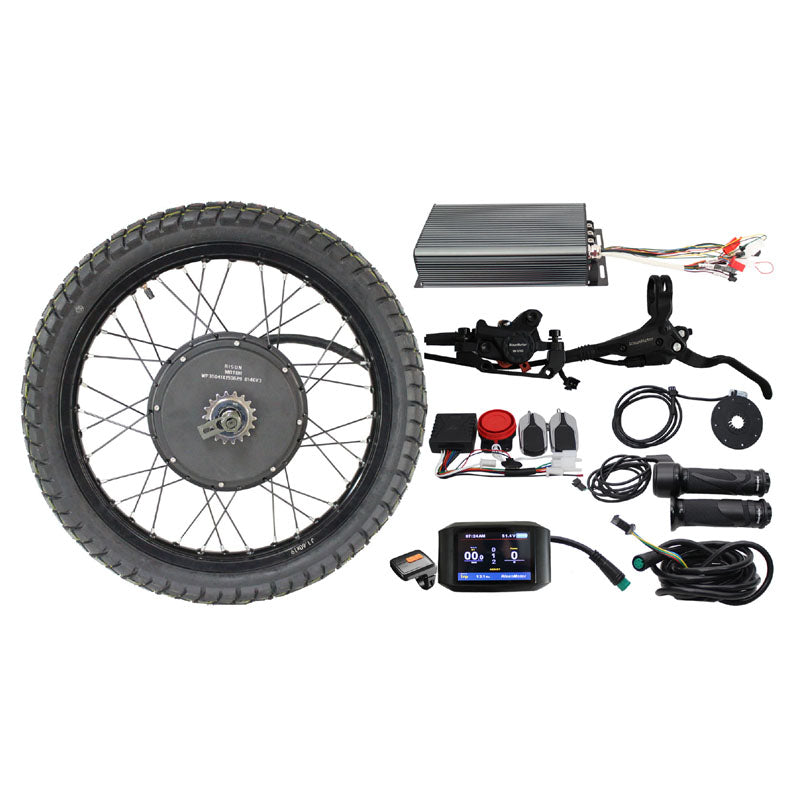
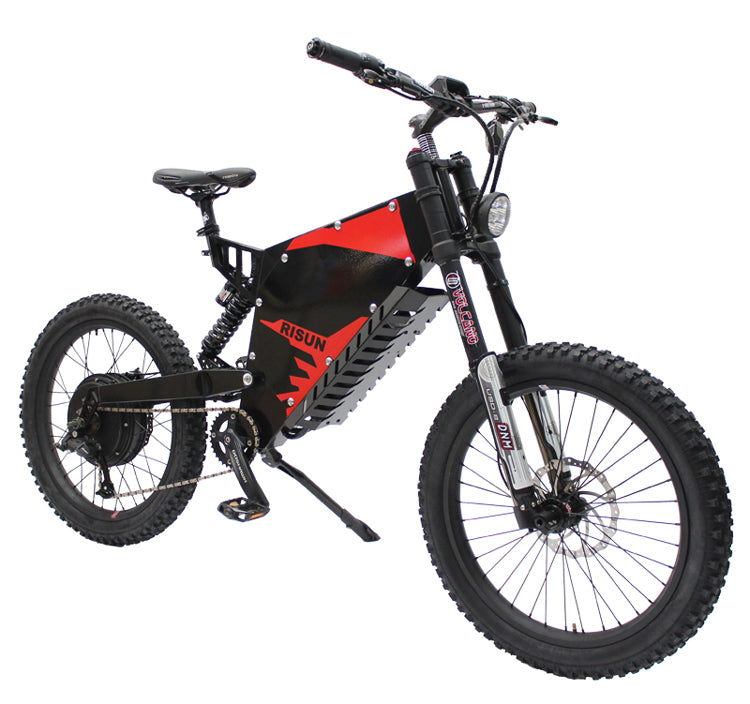
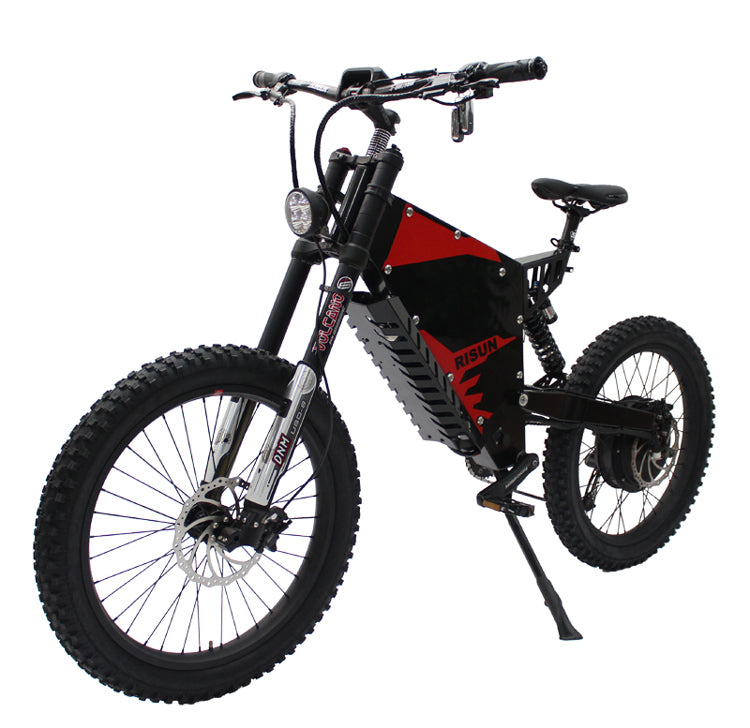
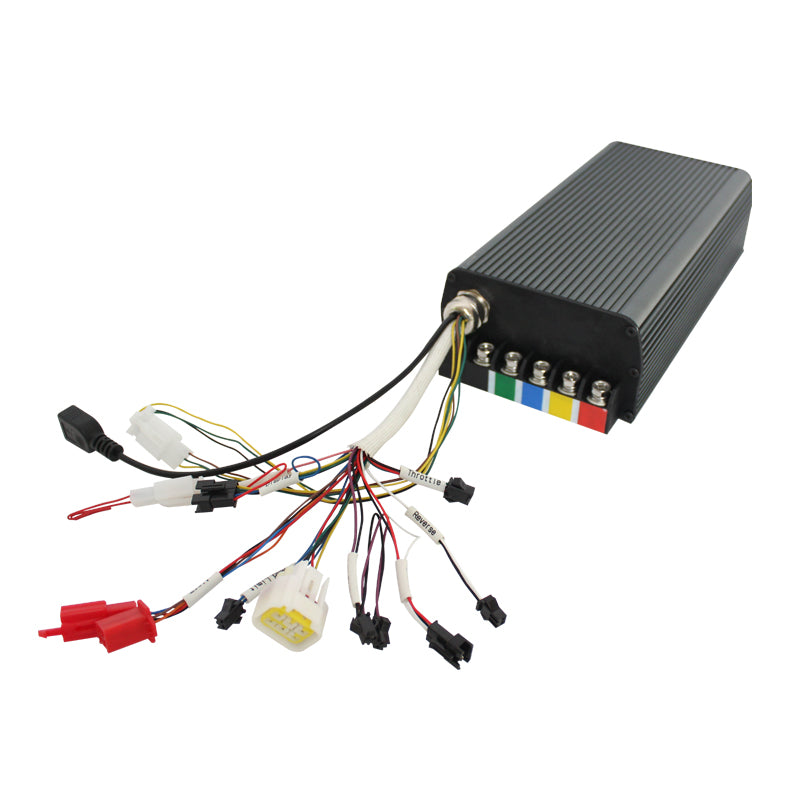
48V-72V 5000W High-Power eBike Conversion Kit. The ultimate conversion kit for extreme builds: 19inch motorcycle rim rear hub motor, 100A programmable sine wave controller, Bluetooth smartphone tuning, up to 5000W with 90-110km/h top speed.
Specifications
| Motor | 3300W-5000W Brushless Gearless Rear Hub Motor with 19inch Motorcycle Rim, Tire and Tube, 16T freewheel |
|---|---|
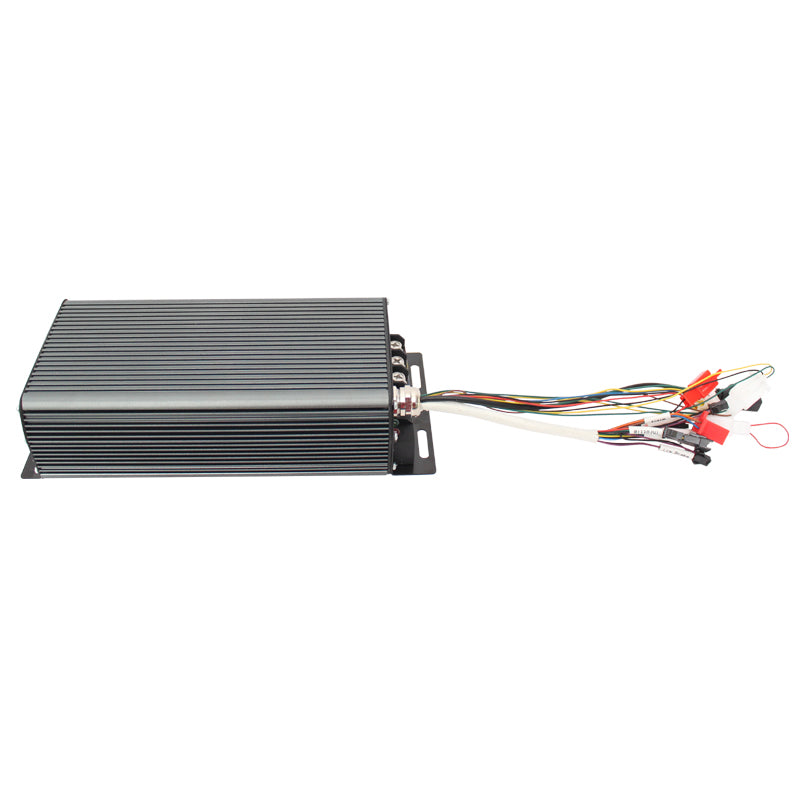
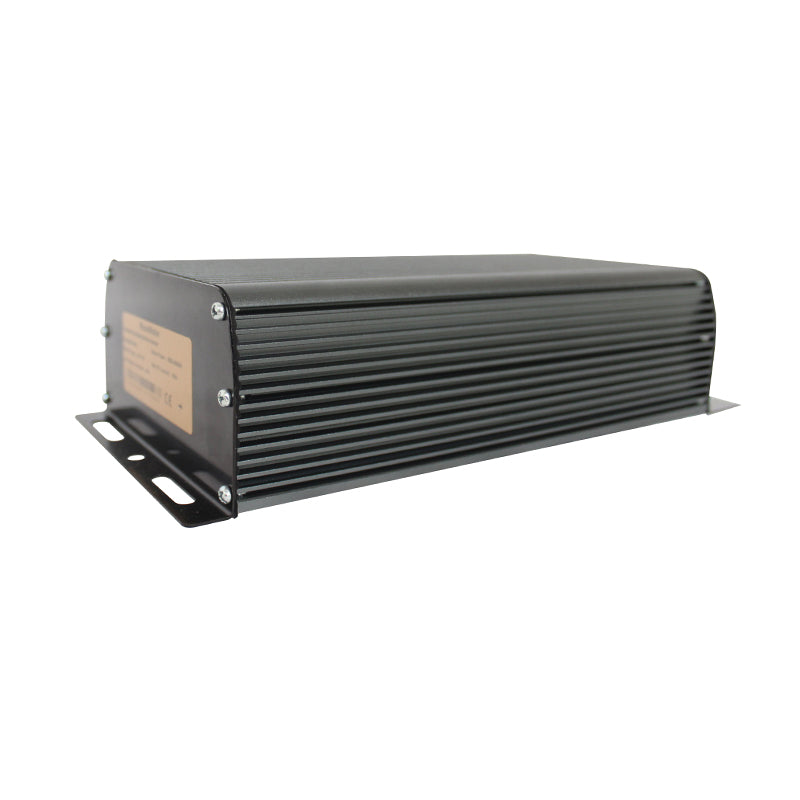
| Controller | 24 MOSFET 100A Sine Wave Controller (48V/60V/72V universal) |
| Controller Features | Sine wave FOC, programmable via app/PC, full protections, regenerative braking, cruise, keyless start, reverse |
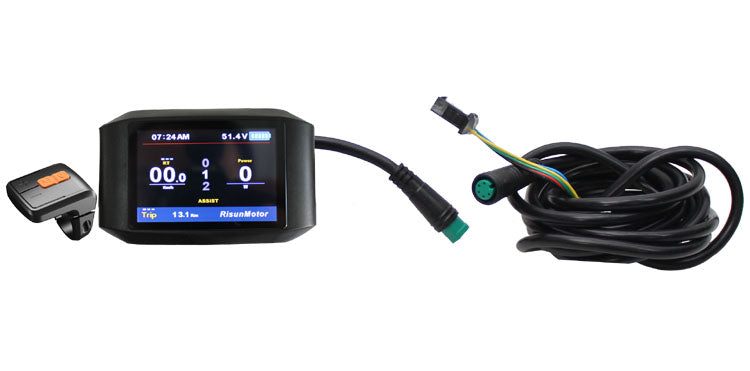
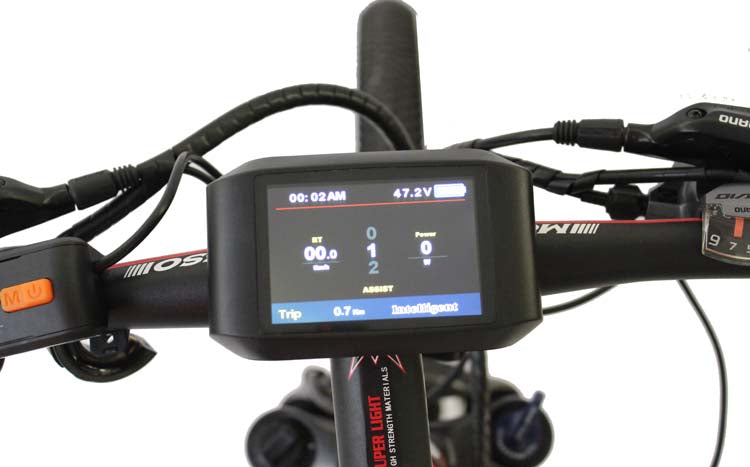
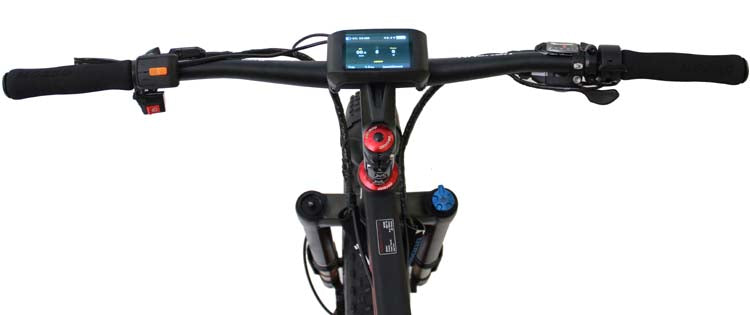
| Display | TFT UKC1 Full Color Display with 5-level PAS, speed limit, regenerative braking |
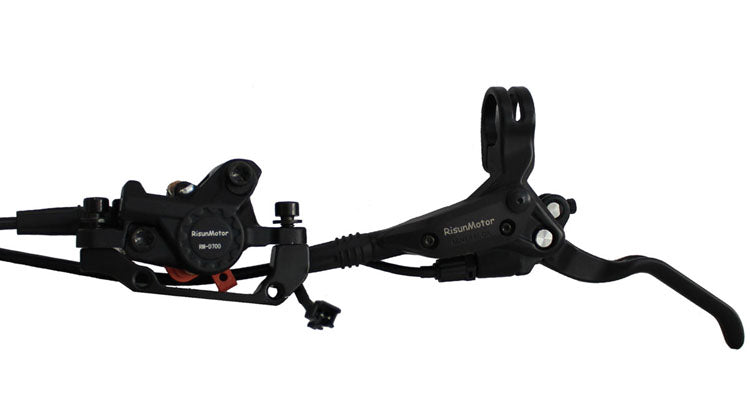
| Brakes | RM-D700 4-Piston Hydraulic Disc Brakes |
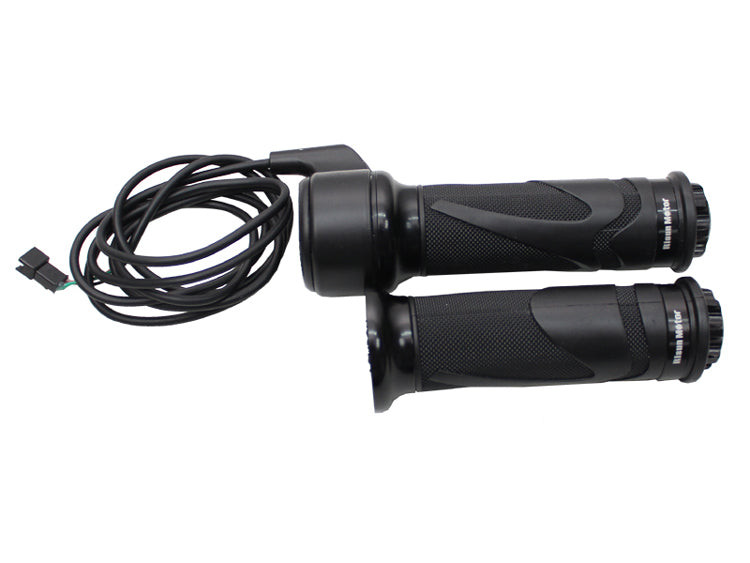
| Throttle | Twist Throttle |
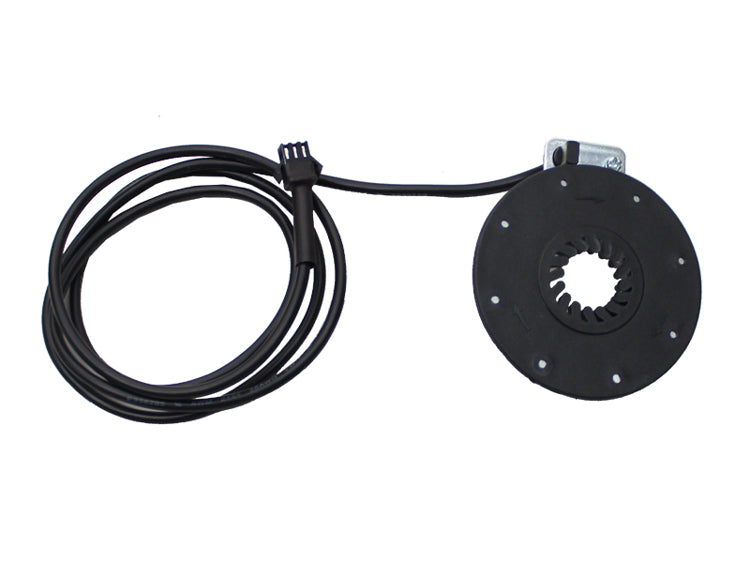
| PAS | 8-Magnet PAS Sensor |
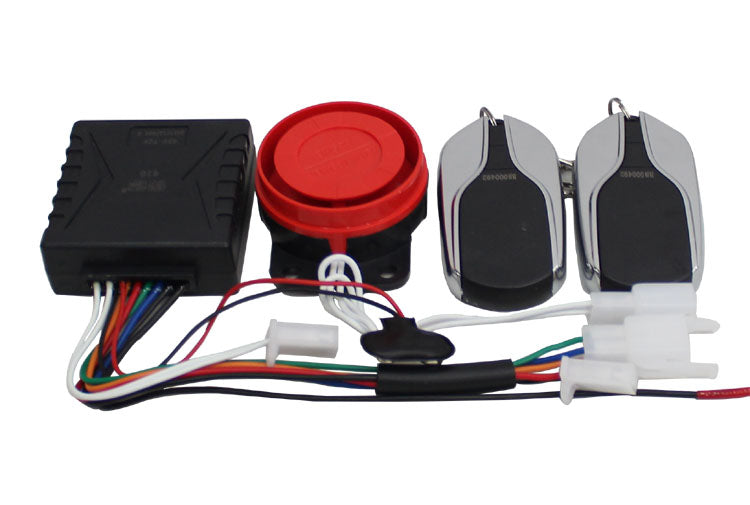
| Security | Alarm System with remote start, alarm, motor lock |
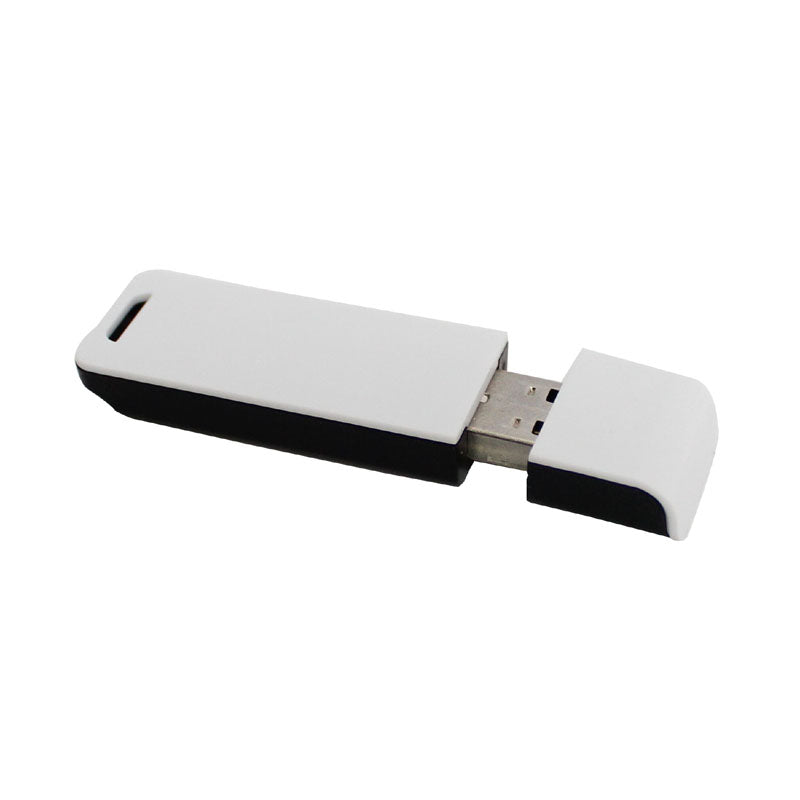
| Bluetooth | Module for phone app tuning |
| Performance | 90-110km/h top speed, over 160 N.m torque, over 90 percent efficiency, 155mm dropout |
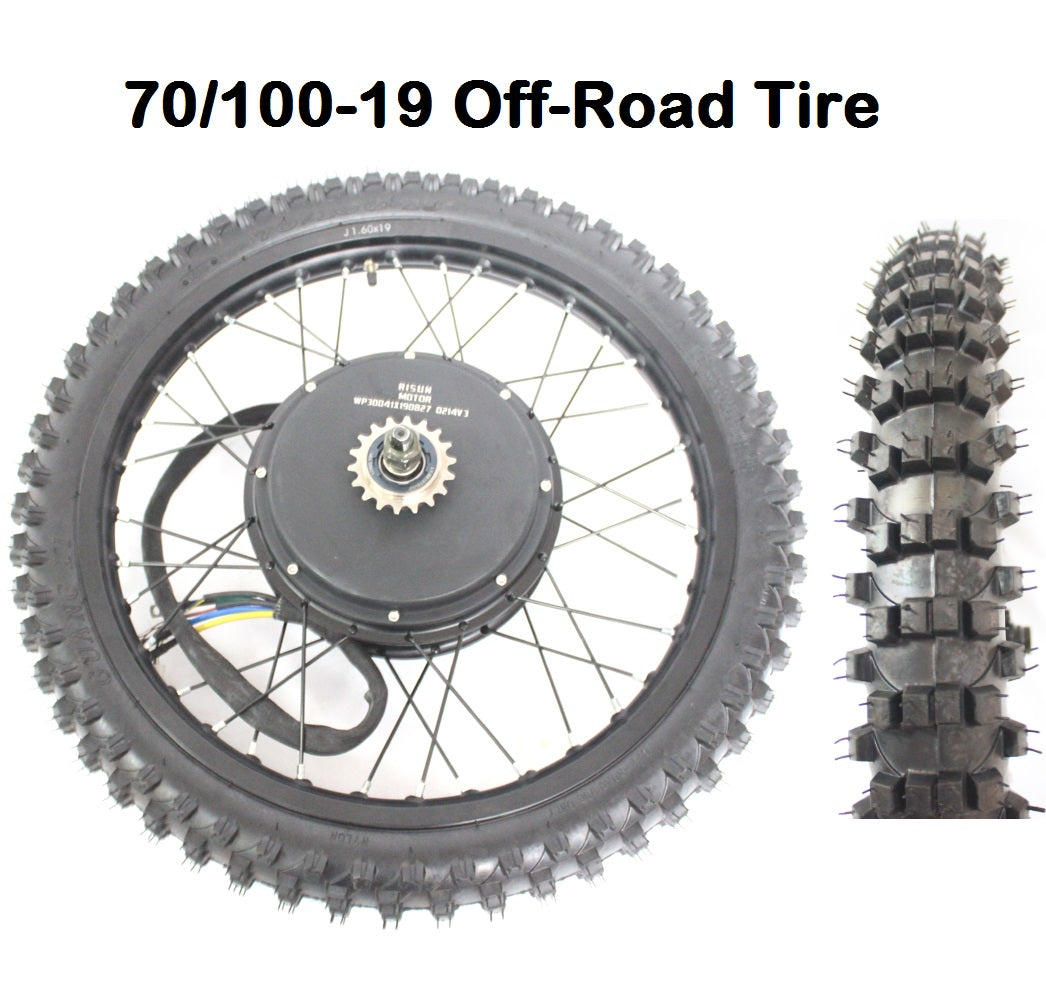
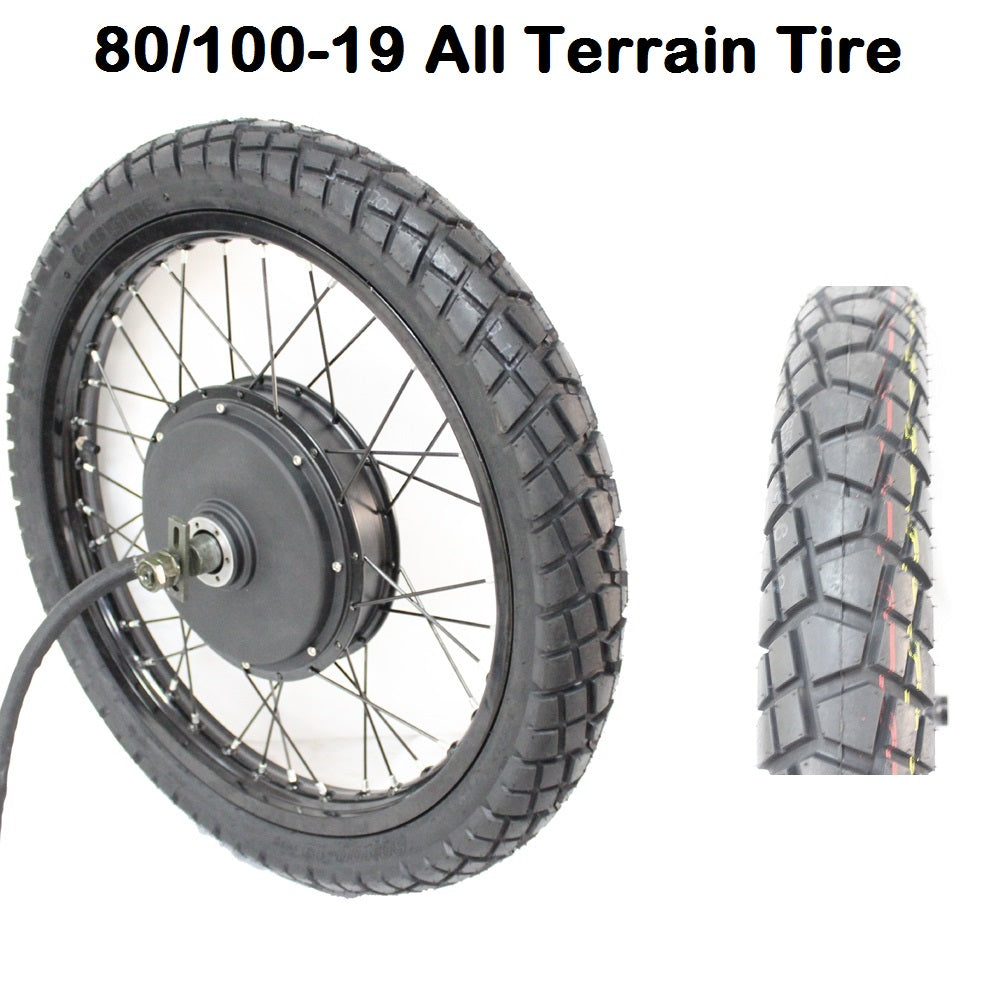
| Wheel | 19inch Motorcycle (equivalent 24x3.0 bicycle), 19x1.6 rim, 70/100-19 or 80/100-19 tire, 62cm OD |
Note
Battery not included
FAQ:
1. Can I use this controller without display?
Yes, you can use this controller without display, just need to connect jumper connector (Please check Controller Connection Diagram, Page 3, point No.5)
2. Why when I turn on Display, it always show "Error 30H"?
Please kindly check whether you also connect communicaton plug (Please check Controller Connection Diagram, Page 6, point No.12)
3. Why when I connect Bluetooth Module or USB Cable, it always show "Connection Failure"?
Please kindly check whether you disconnect communicaton plug (Please check Controller Connection Diagram, Page 6, point No.12), and also reconnect Bluetooth Module or USB Cable to ensure good connection.
4. If I want to use your controller work with my motor, what shall I do?
To get best efficiency, we recommend you to match your motor with our controller firstly (Please check Controller Manual-APP Version, Page 5-9, or check Controller Manual-USB Cable, Page 6-7)
Manual and Driver Program Download:
1. Common Error Code Definition and Solution Download
2. Controller Connection Diagram Download
3. Controller USB Connection Driver, Application Program and Manual (Controller connect with computer by USB Cable)
(1). USB Driver Download:
Controller USB Connection Driver Download (32bit)
Controller USB Connection Driver Download (64bit)
(2). Controller Application Program for Computer (connect by USB Cable) Download
(3). Controller Manual Download (Computer Version connect by USB Cable)
(4). Controller Setting and Motor Pairing Video
4. Controller Manual/ Bluetooth App Manual (Controller connect with mobile phone by Bluetooth Module)
(1). Controller Manual Download (APP Version connect by Mobile phone Bluetooth)
(2). Bluetooth Module Manual Download